
Complete Transformation
From photo to project plan
Same architecture, new style. The AI preserves your walls, windows and structure while reimagining the decor, furniture, and layout. See the design, shopping list, budget, and builder brief all in one place.
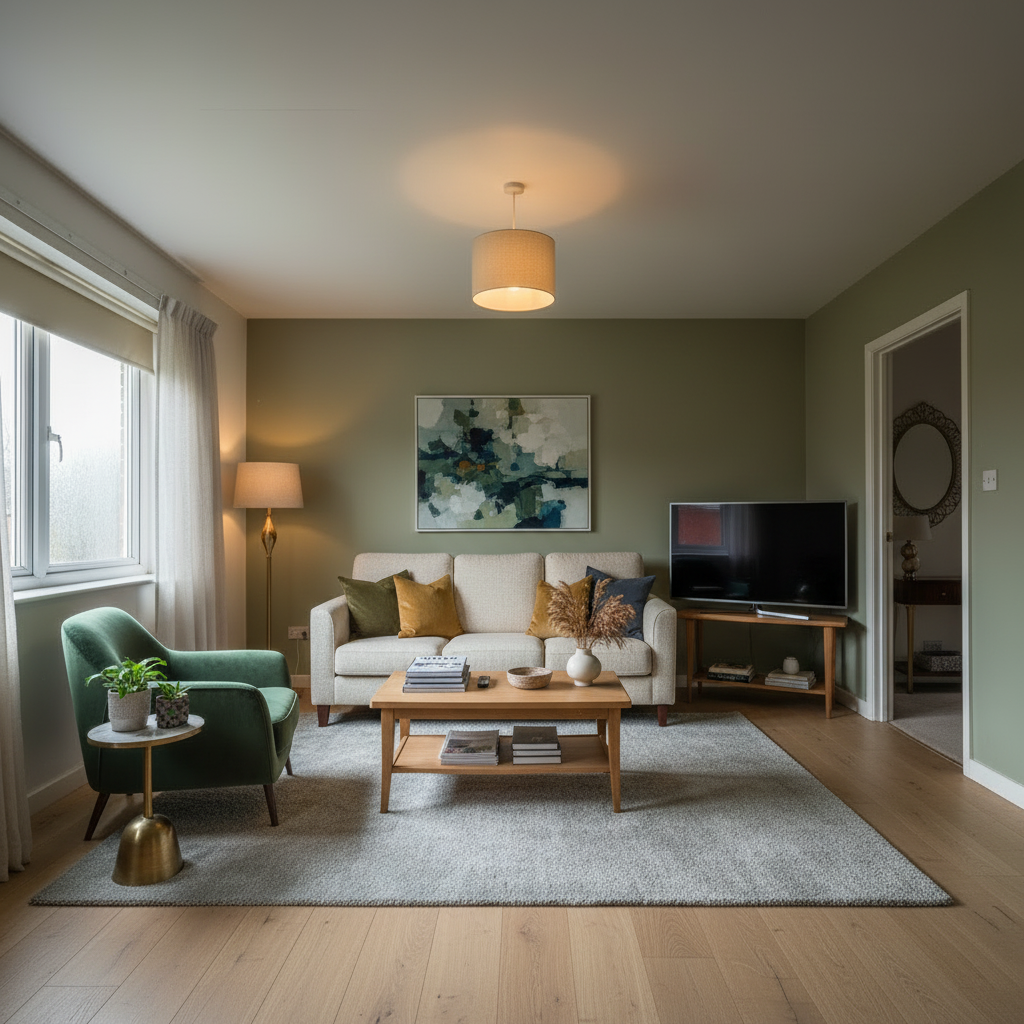 After
After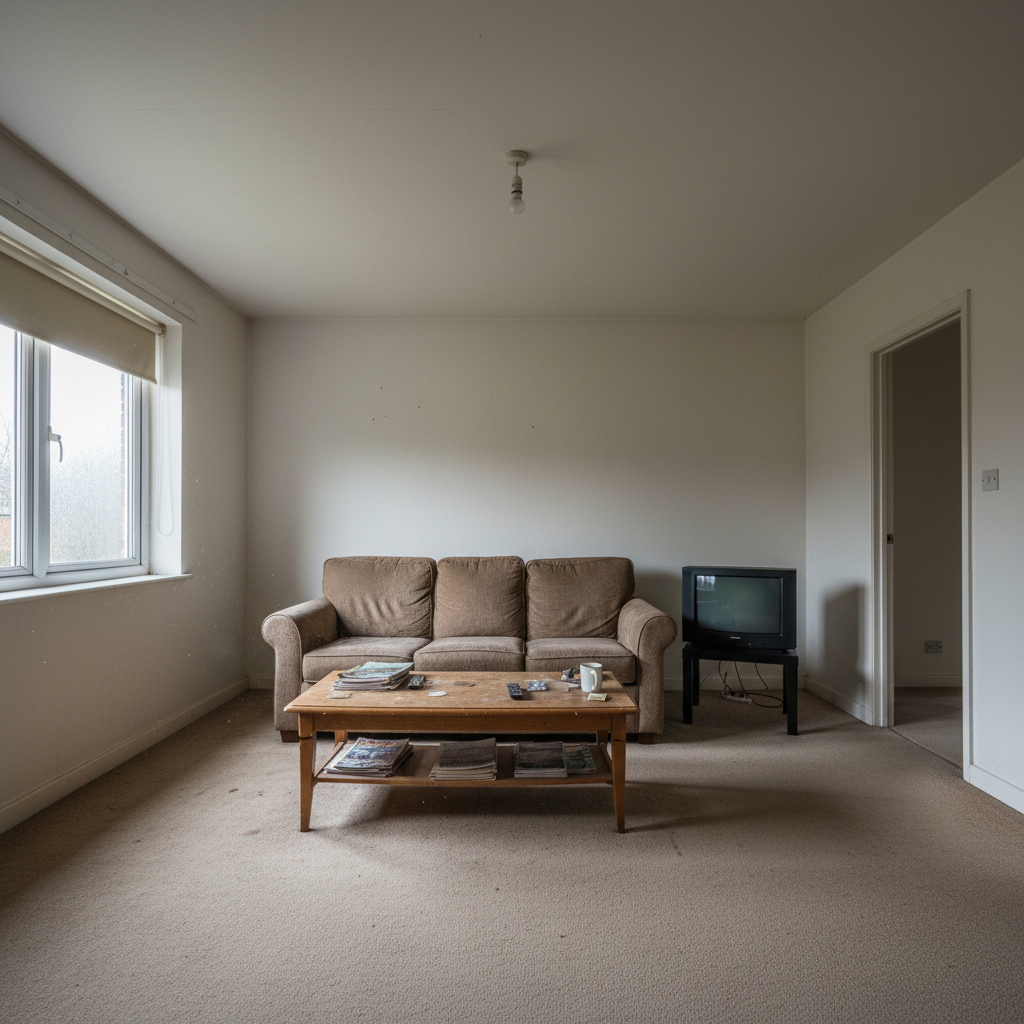 Before
Outdoor Design
Design your garden or patio
Same garden boundaries, new landscaping plan. The AI suggests planting, paving, seating, and materials — complete with shopping list and landscaper brief.
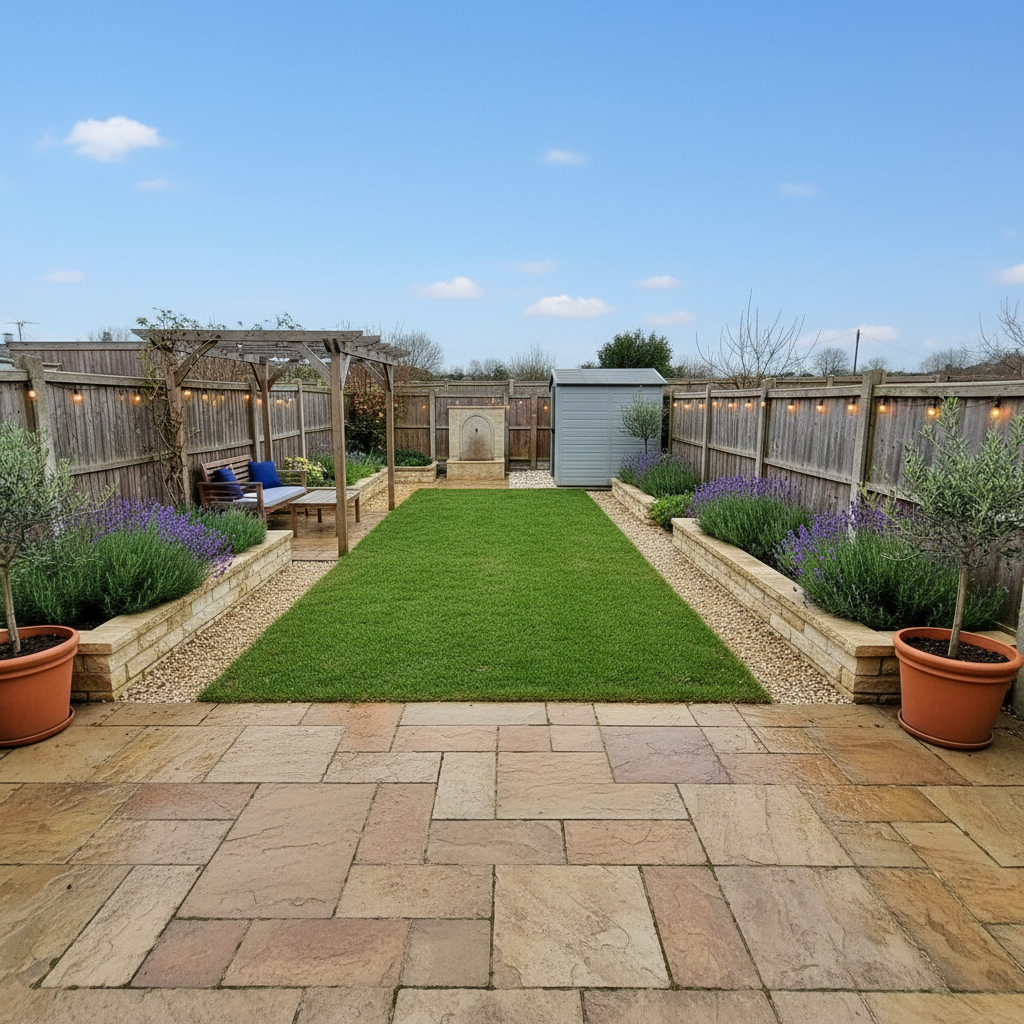 After
After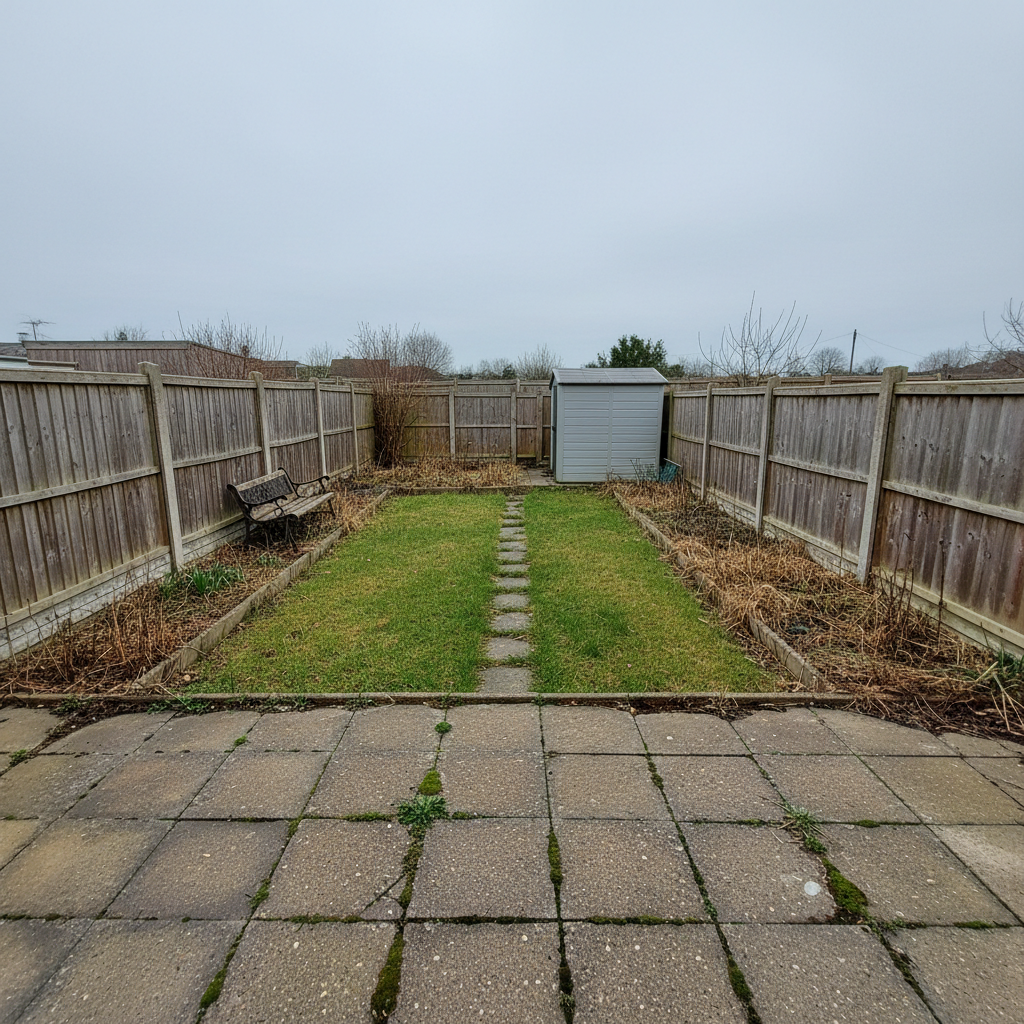 Before
How it works
From photo to fresh design.
Upload a room photo
Take a photo or upload an existing one. Add dimensions if you have them. The AI reads your real space — walls, windows, light.
Get a realistic design
Choose a style, add details, and the AI creates two options: premium high-end and budget-friendly.
See the full picture
Get design images, shopping lists, budget estimates, and a PDF brief ready to send to builders or suppliers.
Styles
Find your look.
Mix styles and constraints — the AI adapts every detail.
Room types
Every room in your home.
Living Room
Bedroom
Kitchen
Bathroom
Home Office
Nursery
Dining Room
Outdoor
FAQs
Questions, answered.
Are my photos private?
Your uploads are associated with your account and processed by the services needed to create Nestify results. Do not upload people or sensitive information. Delete projects anytime.
Are designs professional advice?
No — they're AI-generated inspiration. Always verify measurements and structural changes with a professional.
Can I delete my data?
Yes. Delete individual projects or your whole account from Settings at any time.
Is Nestify free to try?
Yes. This release lets you try the core design journey while paid plans are being finalised.
Our privacy promise
Your photos stay with your project
Room photos are processed by Base44 and AI service providers to generate Nestify results. Avoid people and sensitive information.
Delete anytime
Remove any project or your entire account and data whenever you choose.
AI inspiration only
Designs are illustrative concepts — not architectural, structural or safety advice.
You're in control
You choose what to upload and can remove projects or your account. See the Privacy Policy for provider processing details.
Your privacy choices
Essential storage keeps Nestify signed in and remembers your work. Optional analytics helps us understand feature use and is off unless you allow it.
You can change this choice in Settings. Read our Privacy Policy.